Henri Blog
Best Self-Improvement Apps in 2026 (Tested & Ranked)
Match one goal and one time slot to pick the self-improvement app you'll actually use.
By Henri · Updated
If you want the short answer: pick the app that matches one goal and one time slot. In this test of 15 apps, I found that Henri AI fits guided microlearning, Duolingo fits 5-minute language practice, Headspace and Calm fit mindfulness and sleep, Fabulous and Finch fit routines and self-care, Todoist fits task management, and Rosebud fits guided journaling.
I looked at each app through four simple lenses: goal fit, habit support, personal setup, and price. A few patterns stood out fast:
- Learning: Henri AI, Duolingo, and Quizlet each solve a different problem.
- Mindfulness and sleep: Headspace is better for guided meditation; Calm leans more toward sleep audio.
- Habits and routines: Fabulous gives more structure, while Finch feels softer and less rigid.
- Productivity: Todoist is the simplest pick if you just want to plan tasks and get them done.
- Journaling: Rosebud stands out if you want prompts that remember past entries.
More than 500 million people have downloaded Duolingo, and Quizlet says it has served 500 million learners across 130 countries. So yes, there are a lot of options. The hard part is not finding an app. It’s choosing one you’ll still open after week two.
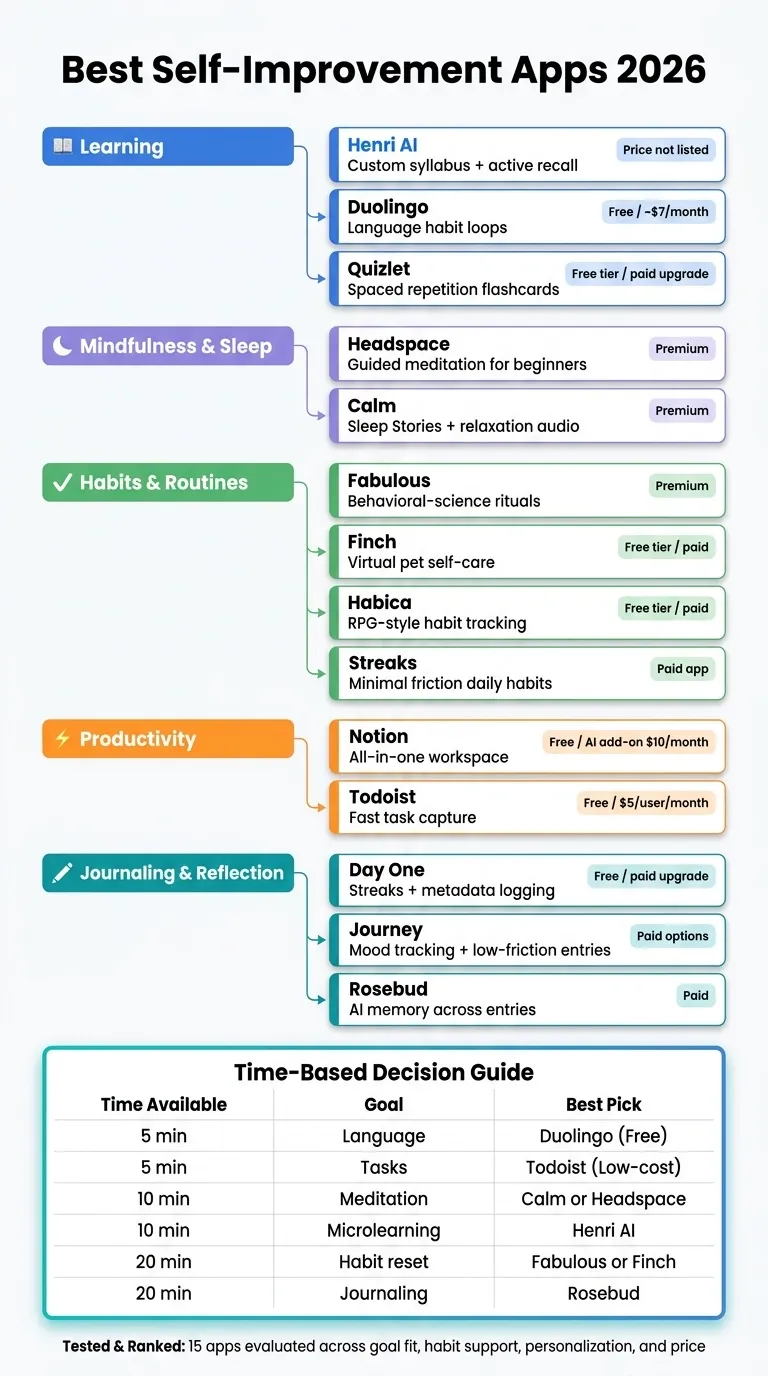
Quick Comparison
| App | Best Use | Main Strength | Main Drawback | Price Snapshot |
|---|---|---|---|---|
| Henri AI | Microlearning | Custom syllabus + recall | Price not public | Not listed |
| Duolingo | Language learning | Fast daily lessons | Limited beyond language | Free; paid from about $7/month |
| Quizlet | Recall practice | Flashcards + spaced repetition | AI cards may need review | Free tier; paid upgrade |
| Headspace | Meditation | Clear beginner path | Less tailored session-to-session | Premium |
| Calm | Sleep and stress | Sleep Stories | Large library, but not all users need it | Premium |
| Fabulous | Routines | Ritual-based structure | Less useful for tasks | Premium |
| Finch | Self-care habits | Pet-based motivation | Less strict tracking | Free tier; paid upgrade |
| Habitica | Gamified habits | RPG rewards | Game layer may distract | Free tier; paid upgrade |
| Streaks | Simple habits | Low-friction tracking | Very light features | Paid app |
| Notion | Planning system | Notes, tasks, and docs in one place | Setup takes time | Free tier; AI add-on from $10/month |
| Todoist | Task management | Fast capture + recurring tasks | No built-in time blocking | Free tier; paid from $5/user/month |
| Day One | Journaling | Streaks, photos, metadata | Full sync needs paid plan | Free tier; paid upgrade |
| Journey | Mood journaling | Low-friction entries | Not built for habit coaching | Paid options vary |
| Rosebud | Guided reflection | Remembers past entries | Not for task tracking | Paid |
| Diarium | Journaling | Not enough data to rank | Unverified in this test | Varies |
My takeaway is simple: don’t shop for the “best” app in the abstract. Shop for the one that fits your next habit. If you have 5 minutes, pick Duolingo or Todoist. If you have 10 minutes, look at Henri AI, Calm, or Headspace. If you want 20 minutes of reflection or routine work, Rosebud, Fabulous, or Finch make more sense.
That simple filter makes this list much easier to use.
1. Henri AI
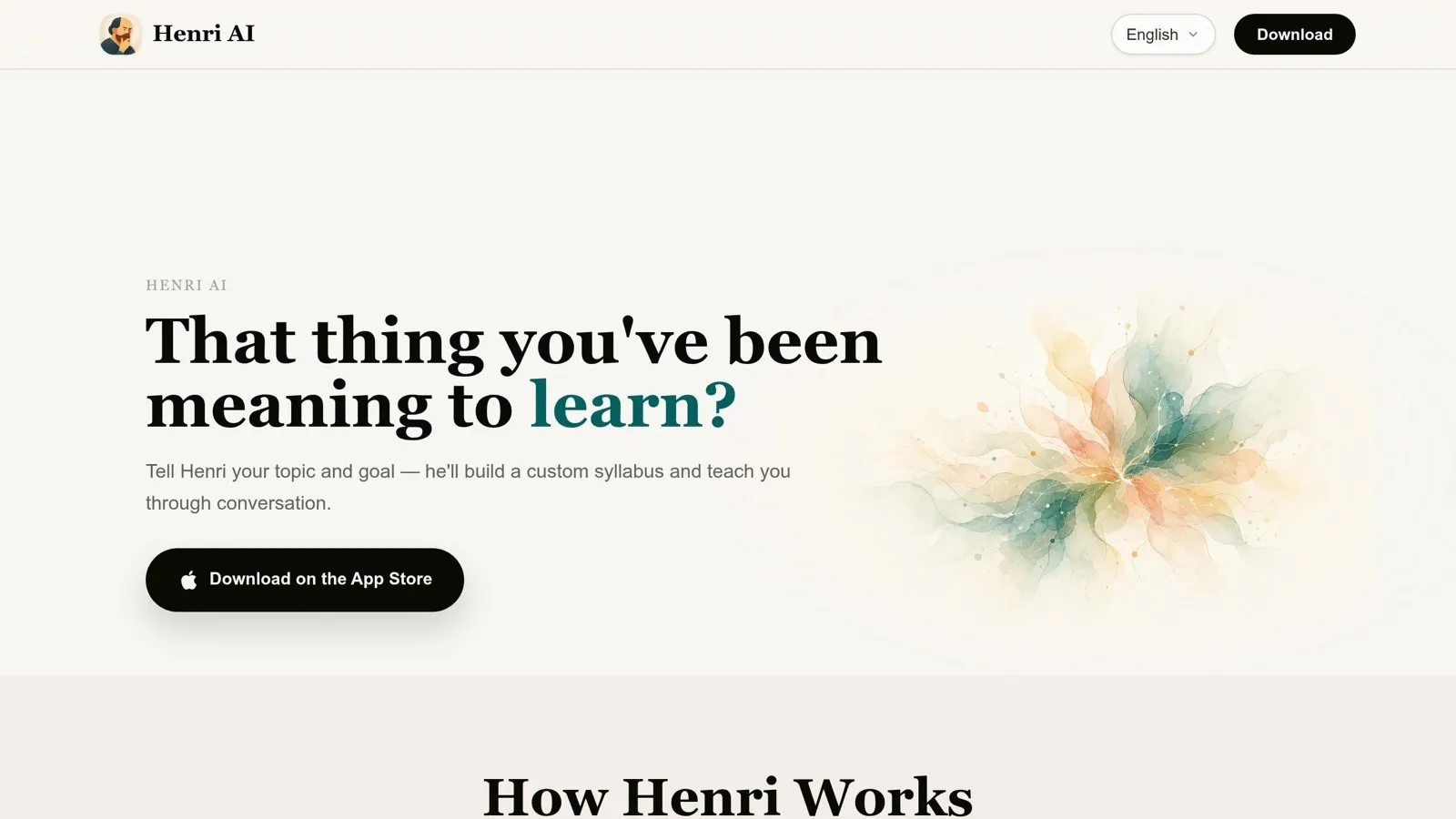
Henri AI stands out for people who want fast, structured learning in small pockets of time. It uses conversational, interactive lessons and a custom syllabus to move you chapter by chapter through topics like science, philosophy, creativity, thinking tools, and life skills.
Goal Fit
Henri AI is a strong match for self-directed learners who want guided study with a clear path.
Consistency Support
Its short lessons and recall exercises make it easier to keep up a daily learning habit without it feeling like a chore.
Personalization
The onboarding process sets your level and interests first, then builds a custom syllabus around them. After that, the AI tutor adjusts to how you’re learning, not just what you’re learning. Knowledge cards help lock in key ideas, and the chapter-based setup makes progress simple to follow.
Value
Pricing is not listed publicly. Even so, the custom syllabus, conversational tutoring, and recall exercises give it solid value for self-directed learners.
Next is a more focused option for readers who want to build a different kind of daily learning habit.
2. Duolingo
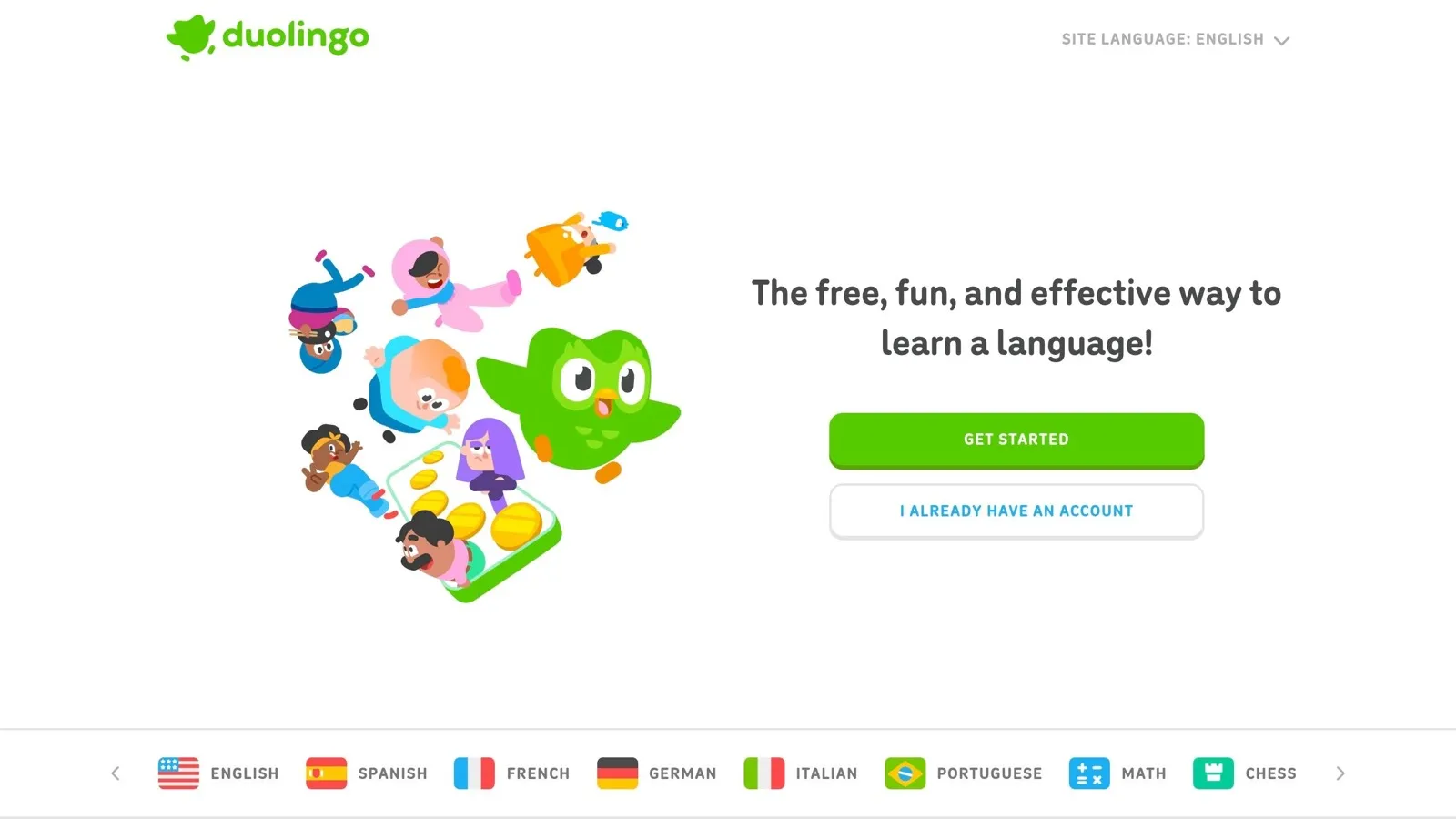
If Henri AI is built for structured self-study, Duolingo is more like quick daily reps. It’s one of the most popular picks for beginner-friendly language practice, with more than 500 million downloads and over 50 million daily active users in Q3 2025 [1].
Goal Fit
Duolingo works well for beginners who want a game-like starting point and simple vocabulary practice. It’s easy to get into, which is a big part of the appeal. But when you want fluent, original conversation, it starts to show its limits.
Consistency Support
This is where Duolingo shines. Streaks, daily goals, and leaderboards push people to come back day after day. Most lessons take under five minutes, so you can squeeze them into a coffee break, a commute, or that little gap between tasks.
Miss a day? Don’t treat it like you blew the whole plan. Treat it as a reset, not a failure.
Personalization
Duolingo uses AI to plan review timing and track your progress. That helps with repetition and recall. Still, most people move through pretty much the same course path, so the experience can feel a bit one-size-fits-all.
Value
The free tier gives you lessons, streaks, ads, and hearts that cap how many mistakes you can make. Super Duolingo costs about $7/month and removes ads and heart limits.
Next up is a more visual, flashcard-based learning app.
3. Quizlet
Where Duolingo builds language habits, Quizlet is all about recall. It’s a study tool made for memorizing facts, definitions, and vocabulary. With more than 500 million learners across 130 countries [3], it’s one of the most used study platforms out there. Quizlet works best when you want to turn something you’ve already learned into long-term memory.
Goal Fit
Quizlet shines after you already understand the material and just need to lock it in. It helps you review what you’ve learned; it doesn’t teach a topic from zero. That makes it a good fit for students, language learners, and professionals getting ready for certification exams.
Consistency Support
The Learn mode uses spaced repetition to bring back the terms you keep missing, so your study time goes where it matters most. Match and Learn turn review into short retrieval sessions instead of long, draining cram sessions. Streaks and Match also make daily practice feel fast and easy to repeat. Most sessions fit into a 5–20 minute window [1].
Personalization
Quizlet’s AI tools, including Q-Chat and flashcards made from uploaded notes and PDFs, can save a lot of time. That said, AI-made cards can get things wrong, so it’s smart to double-check them for high-stakes exams.
Value
The free tier includes basic flashcard creation and access to millions of user-generated study sets, with ads included [1][4]. Quizlet Plus removes ads, opens up AI features like Q-Chat, and adds more detailed progress tracking [1]. One catch: exporting your study sets is limited.
Next is a calmer pick for people who want help with mental reset, not just memory.
4. Headspace
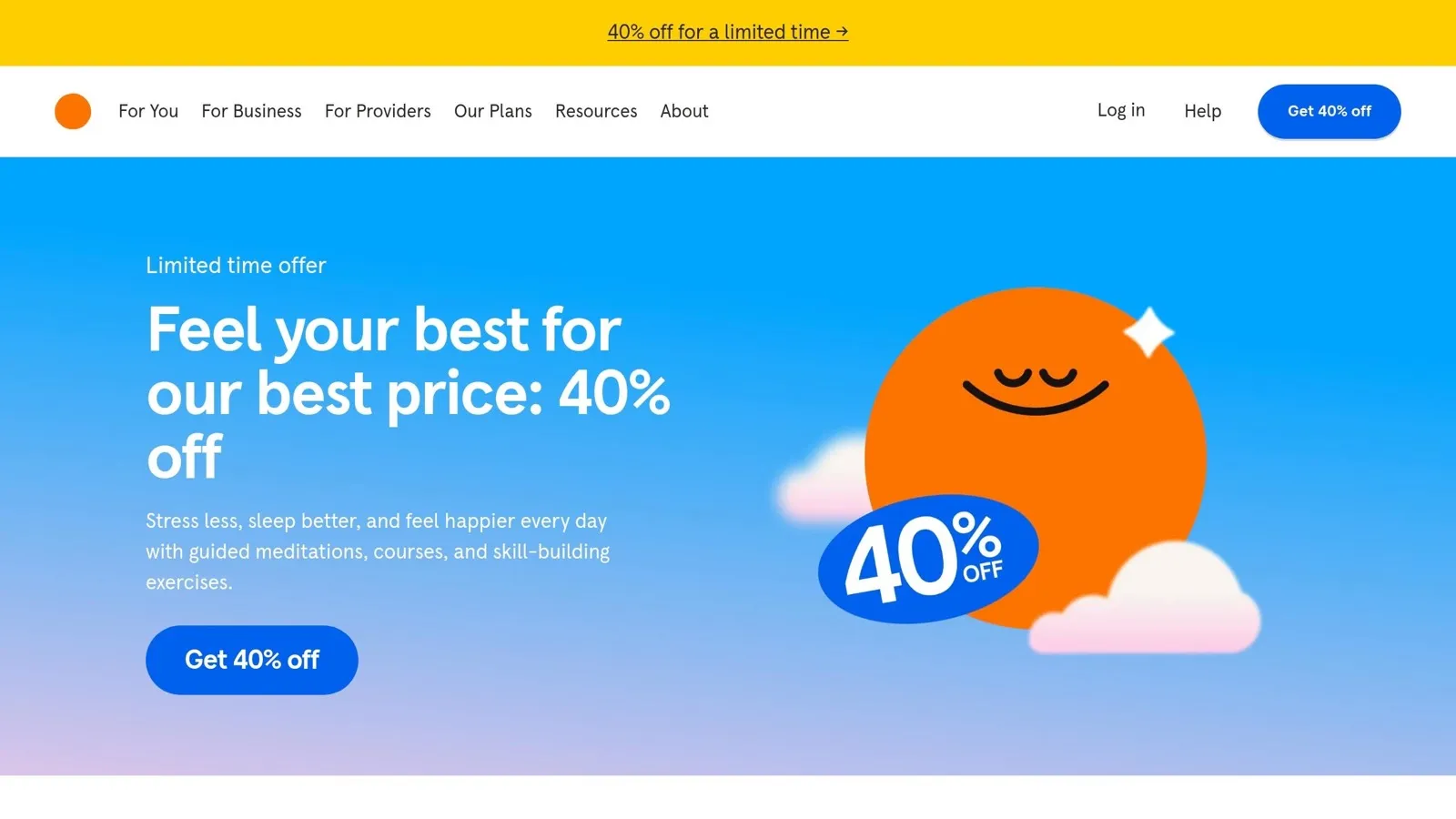
Headspace is a strong pick for mindfulness, especially for beginners who want to understand why meditation works, not just press play and follow a voice. The app uses Andy Puddicombe’s guidance and simple animations to explain mindfulness as you practice [2].
Goal Fit
Headspace gives new users a clear path. Its multi-day courses cover themes like stress, self-esteem, and relationships, so you’re not left wondering what to do next. It also includes SOS for quick relief, along with Move and Focus modes for light exercise and focus music [2].
Consistency Support
One thing Headspace does well is reduce friction. The course flow gives users a clear next step each day, which makes it easier to stick with the habit [2].
Personalization
This is where Headspace is a bit more limited. It leans on a course library instead of tailoring sessions to your mood or current situation. So if you want support that feels more one-to-one, it may not feel as flexible [2].
Value
Headspace works best for beginners who want structure, context, and steady guidance. More experienced users may outgrow the library over time, and people focused mainly on sleep may want to look elsewhere [2].
The next app moves away from guided mindfulness and leans more into relaxation and sleep support.
5. Calm
Calm is built around sleep and relaxation. Its main draw is simple: fast help for sleep and stress.
Goal Fit
The standout feature is its celebrity-narrated Sleep Stories. If falling asleep is the hard part, this is where Calm tends to shine. Sleep Stories are Calm’s strongest feature and a big reason people pay for the app.
Outside of sleep, Calm also covers stress, anxiety, and focus with a polished audio library. You also get Daily Move for light mindful movement and Daily Jay for short motivational content. Still, sleep is where Calm does its best work. [5]
Consistency Support
Daily Calm gives users a new 10-minute meditation each day. That’s short enough to fit into almost any routine. The app also tracks streaks and mindful minutes, which can help people stick with it.
Calm also supports Wear OS, so it’s easier to start a session right from your wrist. [5]
Personalization
Personalization is fairly limited. In practice, everyone is choosing from the same library. [2]
Value
A Calm subscription gives you access to a large content library. But here’s the catch: most people will probably use only a small part of it.
If your main goal is better sleep, the price can make sense. If you want guidance that feels more tailored to you, Calm may feel like you’re paying for a lot more than you’ll actually use.
Next: an app built for daily routines, not sleep.
6. Fabulous
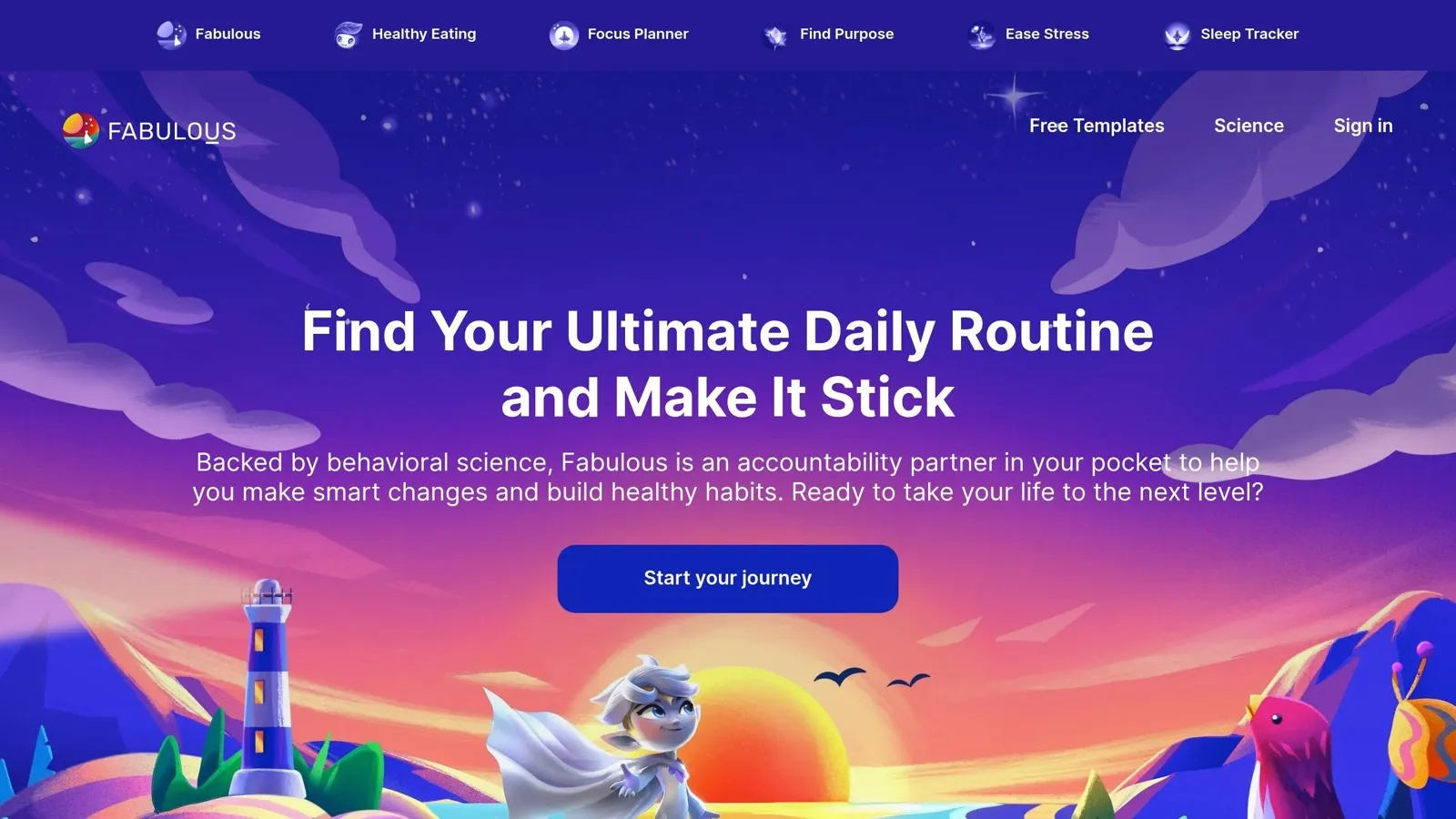
Fabulous is built for people who want structured routines, not just a basic habit checklist. The app leans on behavioral science to explain the why behind your habits and help you build routines that become part of how you see yourself.
Goal Fit
Fabulous is a strong match for people aiming for a long-term lifestyle change. It groups habits into Morning, Afternoon, and Evening rituals, which helps if structure is hard for you and you want a system to follow instead of figuring it out from scratch each day.
If you need task tracking, Fabulous probably isn’t the best pick. It’s better for building healthier routines than for checking off one-off tasks.
Consistency Support
This is where Fabulous stands out most. Its ritual-based setup can cut down on decision fatigue and make routines easier to repeat. If you already know what you want to change but struggle to turn that into something you can do day after day, this kind of framework can help.
Personalization
The main draw here is guided behavior change, not lots of custom setup. It works best for people who want a more structured routine system rather than a tool they can tweak in every small way.
Value
Fabulous makes the most sense for people who want an app centered on behavior change and are willing to stick with the process. If you want a lightweight tracker, it may feel a bit restrictive. But if your goal is to build healthier routines with more guidance, its approach fits well.
Next is a more playful option for daily motivation.
7. Finch

Finch puts less weight on tracking habits and more on making daily self-care easier to come back to. The app centers on a virtual pet bird that grows as you complete personal goals, so routine self-care feels a bit more rewarding and a lot less like a chore. That makes it a good match for people who struggle with motivation and want a gentler, more emotionally engaging way to build daily habits.
Most habit apps lean hard on streaks and checklists. Finch goes in a different direction. It uses a goal-setting system tied to your pet’s progress. You set your own goals, check in on how you’re feeling, and earn steps that help your bird grow. It’s a simple loop, but it works well, especially if standard productivity tools feel too rigid or full of pressure.
Finch includes a free tier with its core features. A premium subscription opens up more customization and extra content, though pricing can vary by platform.
Next up is a habit tracker that takes a very different route, turning your goals into a role-playing game.
8. Habitica
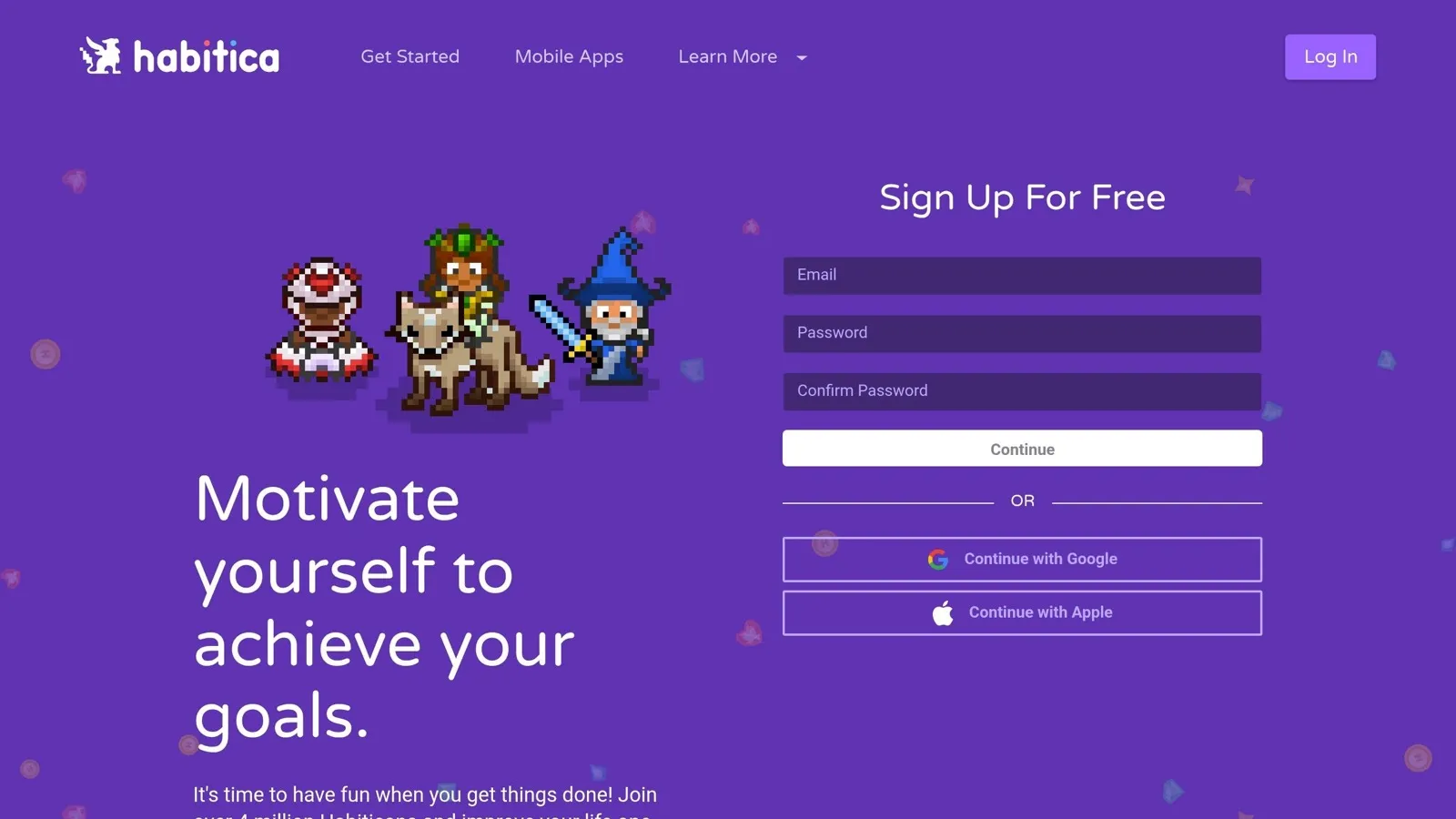
After Finch’s gentler self-care loop, Habitica leans much harder into game mechanics. It turns habit tracking into a full RPG: finish tasks in real life, earn XP, and level up your character.
Goal Fit
Habitica brings three task types into one RPG system - Habits, Dailies, and To-Dos - which makes it a strong all-in-one option for routines.
Consistency Support
XP and rewards help keep people on track. Miss a goal, and your character takes damage, so there’s an actual sense of risk tied to daily follow-through. Guilds also add social accountability. That said, if game mechanics pull your attention away from the habit itself, a simpler app may be a better fit.
Personalization
Habitica tends to click with people who like achievements, streaks, and community. Its RPG setup can handle different kinds of routines while still keeping that game-like feel front and center.
Value
Habitica offers a free tier that covers the core experience. Paid plans add more customization. It’s also open source and has around 14,000 GitHub stars [6], which means users who want more control over their data can self-host it.
Next up is a simpler habit tracker for people who want progress without the game layer.
9. Streaks
Goal Fit
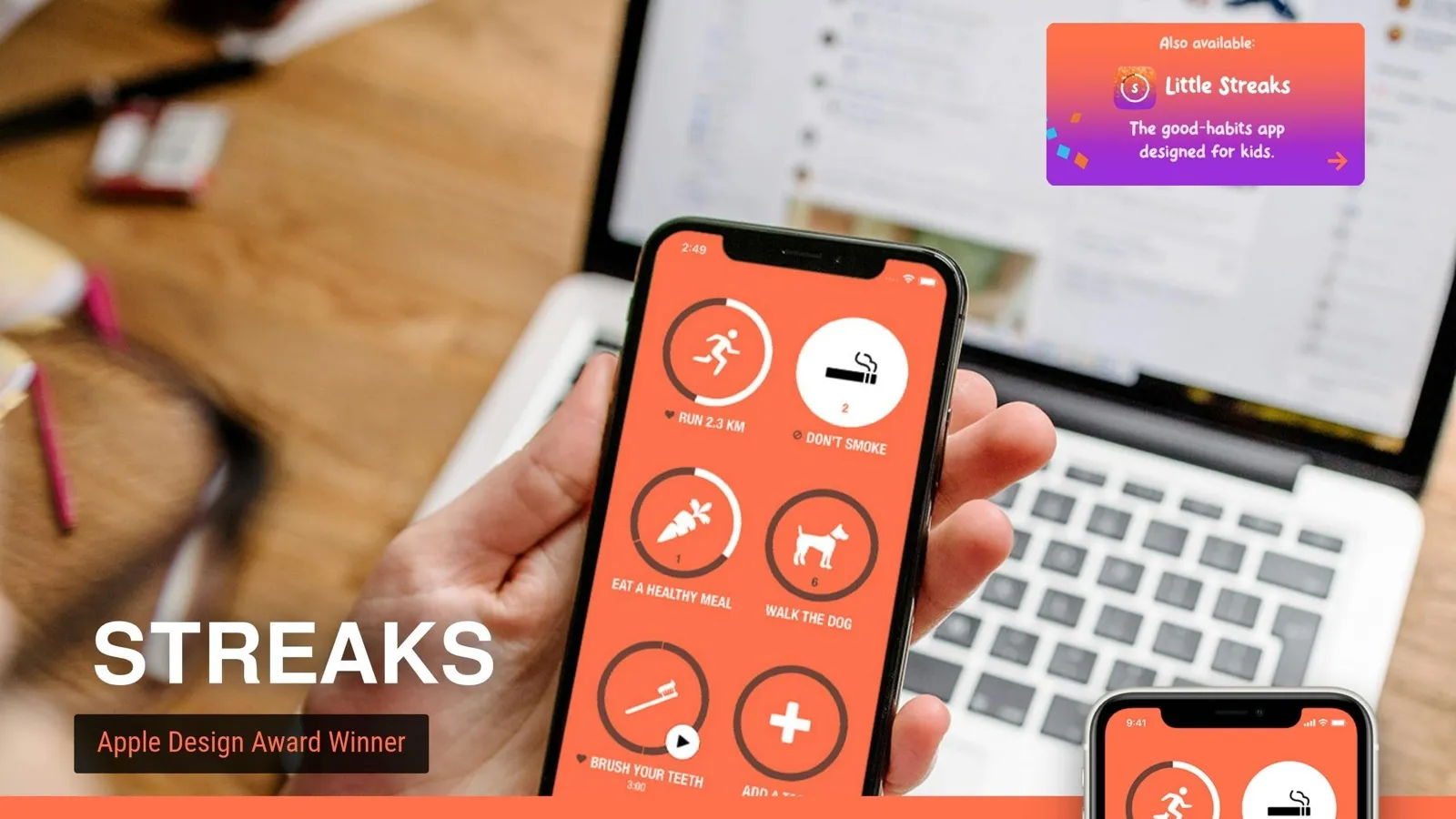
After Habitica’s game layer, Streaks cuts habit tracking down to the basics. It’s a good fit for people who want a simple daily habit tracker with almost no friction. It works best for repeatable daily habits like language review or exercise. It’s not built for coaching or complex planning.
Consistency Support
The streak counter makes progress easy to see and keeps the routine simple. That matters more than it sounds. When you can glance at your progress and know where you stand, it’s easier to keep going.
Value
Streaks offers strong value if you want a lightweight tracker and don’t need coaching, automation, or gamification.
Next comes a productivity app built for organizing bigger workflows.
10. Notion
Goal Fit
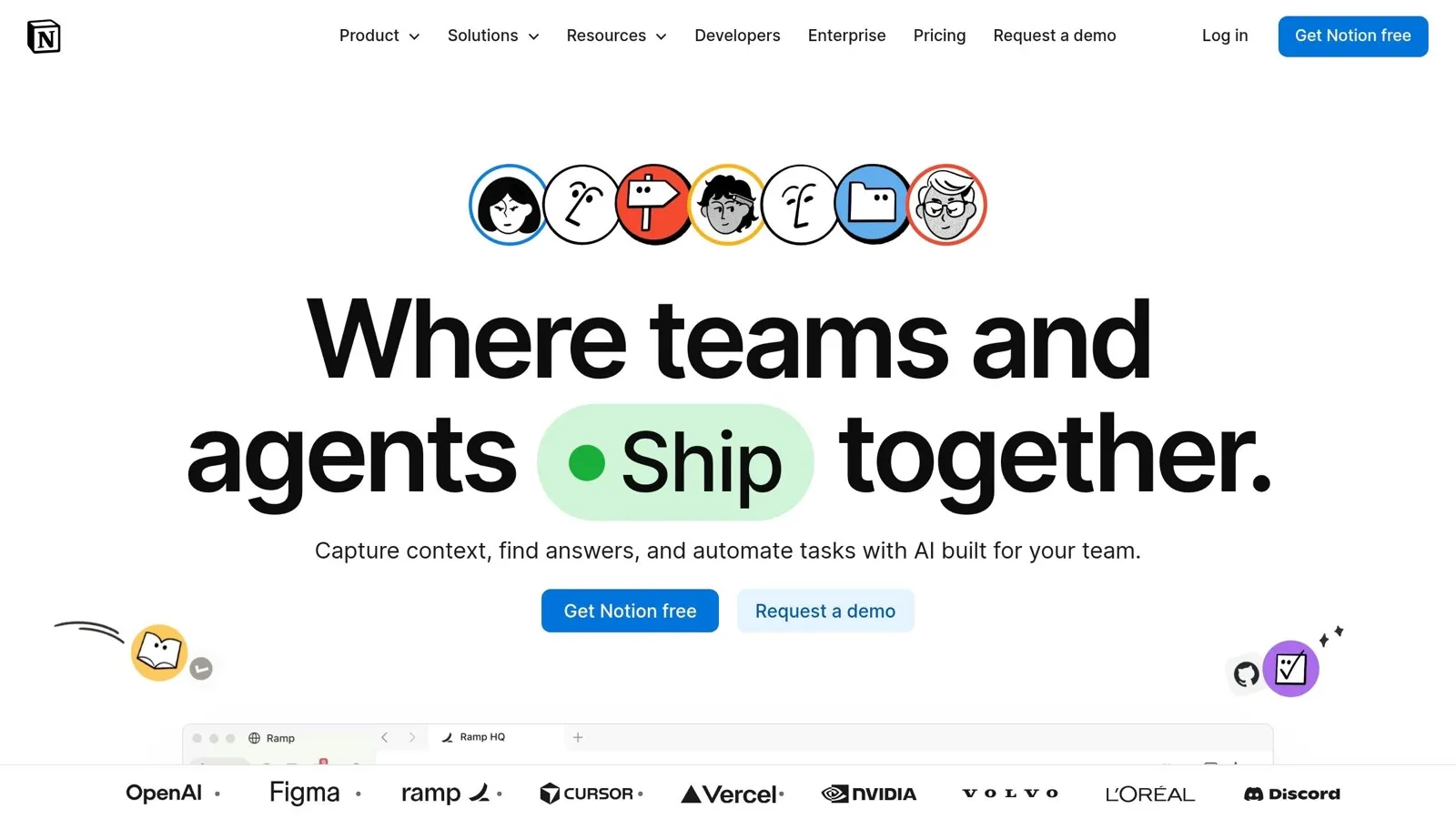
Notion works best for people who want one place for notes, tasks, schedules, and wikis. If you like tracking goals, plans, and progress in a single workspace, it’s a strong fit. For users who want structure without strict habit rules, Notion works well as the system layer.
Consistency Support
Notion AI lets you search your workspace, summarize content, and ask plain-language questions without having to explain the context again. That helps keep your workflow connected and lets you stay focused on the work itself.
Personalization
Notion gives you a lot of control. You can build databases, wikis, and dashboards around the way you already work. The catch is setup time. Unlike plug-and-play apps, Notion asks for real upfront effort before it starts to feel smooth. It tends to pay off for people willing to build a system that matches their workflow.
Value
Notion offers a free tier for individual use. The Notion AI add-on costs $10/month [7] and can be added to a paid plan.
Next: Todoist for lighter task management.
11. Todoist
Goal Fit
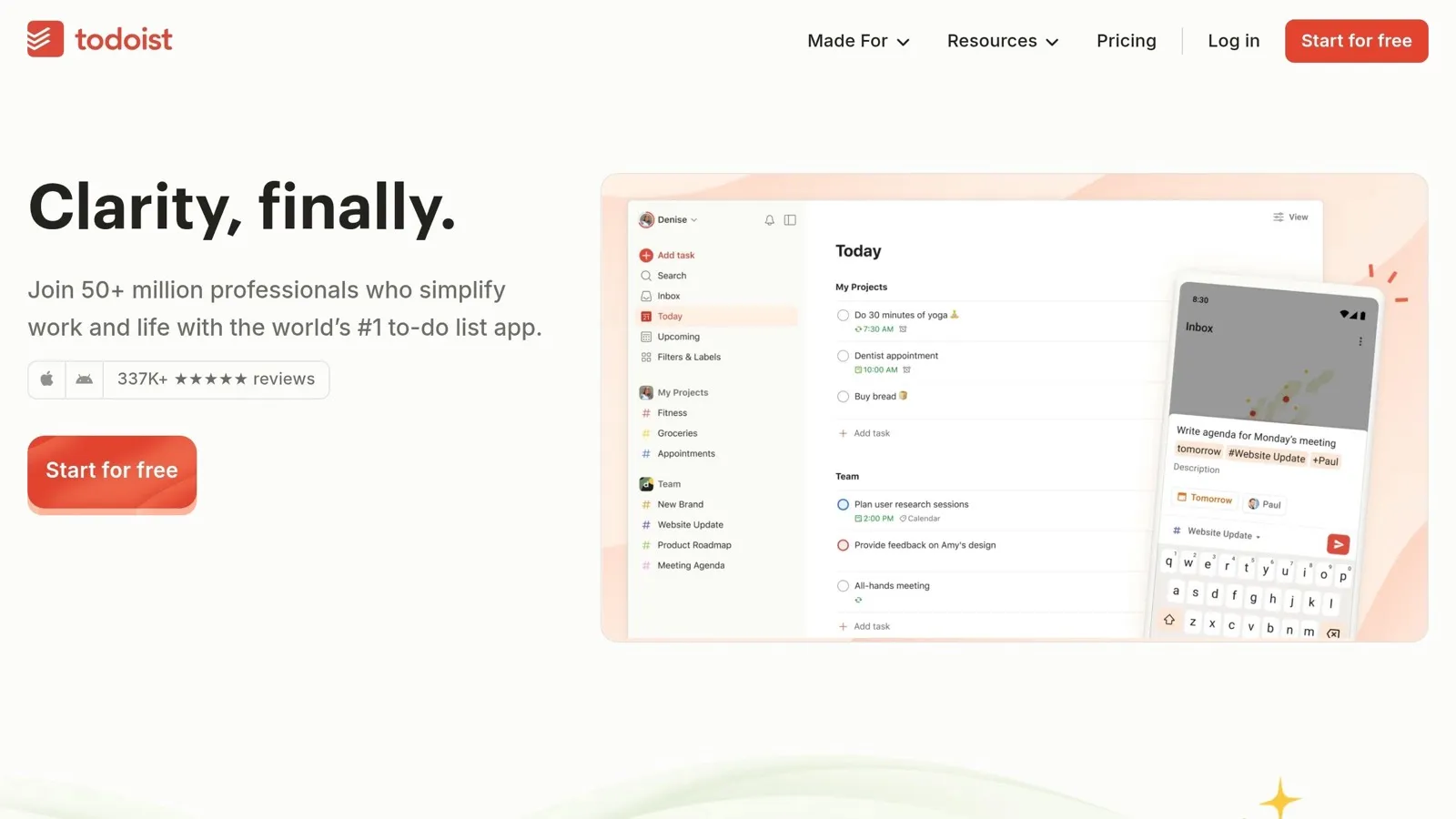
If Notion is where you organize the workspace, Todoist is where you keep the task list in motion. It’s a strong match for people who want a clean, reliable spot to capture tasks and map out their days. It works especially well for daily task capture and long-term project follow-through, and it keeps the process fast with very little friction.
Consistency Support
Recurring tasks, priorities, cross-platform support, and offline access make Todoist useful across devices, even when you’re offline. One catch: it doesn’t automatically time-block tasks, so if your day runs on your calendar, you’ll need a separate scheduling setup.
Personalization
Todoist fits both solo and shared workflows without much hassle. Paid plans also include custom task reminders, which can help if you want extra support staying on track.
Value
The free tier covers most core features, so that’s where most users can start. Premium starts at $5 per person per month [8] and adds custom reminders, automatic backups, and extra storage. In practice, the paid plan is mostly about reminder support and backup protection. It makes the most sense when the goal is execution rather than workspace design.
12. Day One
Goal Fit
Day One is built for journaling from the ground up, so it fits well if your main goal is reflection and self-awareness.
Consistency Support
The app uses streaks to nudge you to write each day. If seeing your progress helps you stay on track, that can be a big plus. It also logs metadata like your location and weather with each entry, which adds context without extra work on your end. And with multi-device sync, your entries stay within reach across your devices.
Personalization
Day One supports tags and photos, so it’s easier to sort entries and come back to certain themes later. That small bit of structure can make a journal feel much more useful over time.
Value
The paid plan makes sense if you want voice notes and full cross-device sync. Next is Journey, which leans more toward flexible diary-style entries.
13. Journey
For readers who want a looser, low-friction journal, Journey is a better fit.
Goal Fit
Journey works well for people who want journaling and mood tracking, not a strict habit system.
Consistency Support
It uses reminders and short prompts to make entries fast and easier to keep up with.
Personalization
Journey supports text, voice, and photo entries, so daily check-ins take less effort. AI prompts also help cut friction.
Value
It’s best for low-friction reflection and pattern review. Skip it if you need habit coaching or task accountability.
14. Rosebud
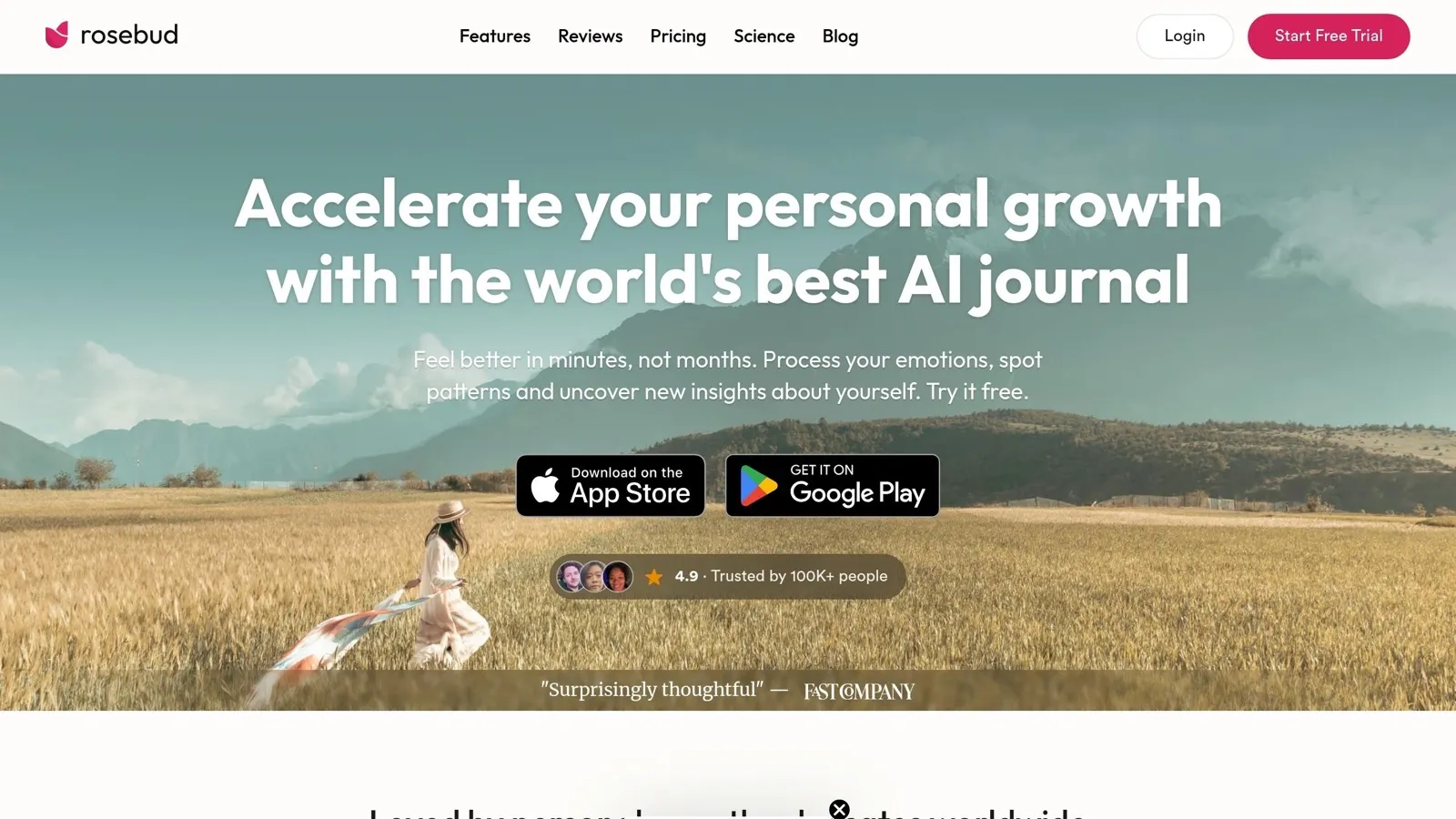
Rosebud takes journaling a step further by using memory across entries, not just one-off prompts. It’s an AI journaling app built for guided reflection and daily check-ins, and its main idea is simple: your journal should remember your story over time instead of treating every session like day one.
Goal Fit
Rosebud works well for people who want structure when they reflect, rather than staring at a blank page and figuring it out from scratch. Because of that, it fits reflection better than task management.
Consistency Support
Its daily check-in conversations make journaling easier to stick with, especially if open-ended writing feels hard to begin. That small bit of guidance can make the habit feel less heavy.
Personalization
One of Rosebud’s main features is its memory of past entries and patterns. The app keeps track of what you’ve shared over time so each reflection can feel more tied to where you are right now [2].
Value
Rosebud makes the most sense for regular journalers who want more depth and continuity across entries. Next, we compare another journaling app that takes a more structured diary approach.
15. Diarium
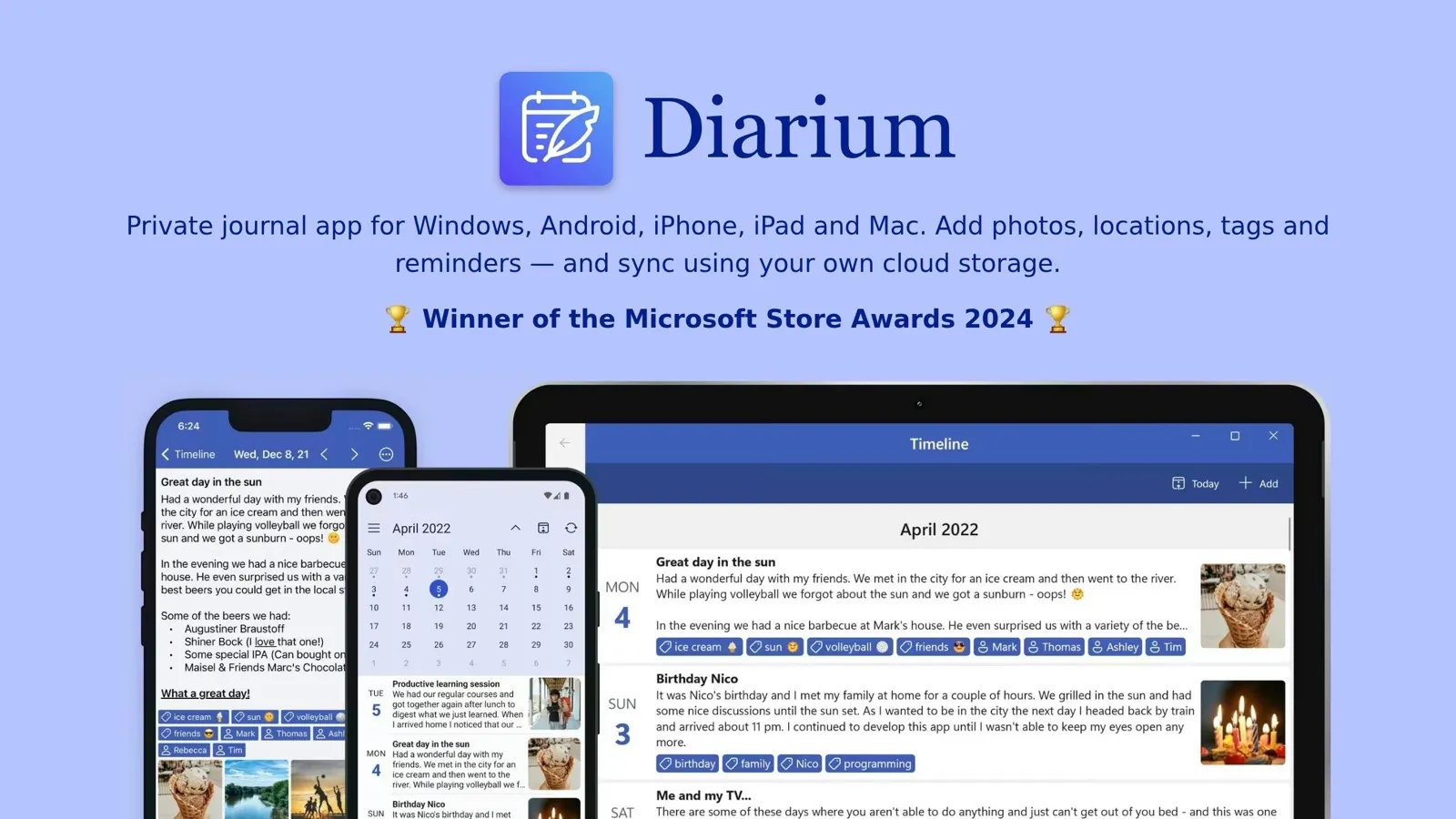
There isn’t enough source material to assess Diarium with the same level of confidence as the other apps on this list.
So, rather than force a shaky ranking, it makes more sense to leave Diarium unverified for now.
With that aside, the next section looks at the pros and cons across the full list.
Pros and Cons for Every App
Use this quick matrix to compare fit, strengths, and tradeoffs at a glance.
| App | Biggest Pros | Biggest Cons | Best For |
|---|---|---|---|
| Henri AI | Custom syllabus, active recall, wide topic coverage | Pricing not publicly listed | Independent learners who want bite-sized conversational lessons |
| Duolingo | Gamified streaks, lessons under five minutes, leaderboards | Language learning only | Building a daily language habit |
| Quizlet | Flexible flashcards, spaced repetition, AI-generated sets | AI cards can contain errors | Students and independent learners who need recall practice |
| Headspace | Structured meditation courses, beginner-friendly explanations | Less adaptive for experienced meditators | Beginners who want guided meditation with context |
| Calm | High-production sleep stories, celebrity narrators, strong audio quality | Same library for everyone; limited adaptability | Sleep improvement and relaxation audio |
| Fabulous | Behavioral-science routines | Less useful for task lists | Morning, afternoon, and evening rituals |
| Finch | Virtual pet motivation | Less rigid tracking | Gentle daily self-care |
| Habitica | RPG rewards and accountability | Game layer can distract from the habit | Gamified habit tracking |
| Streaks | Minimal friction | No coaching or automation | Simple daily habits |
| Notion | All-in-one workspace and AI search | Setup takes time | Goals, notes, and projects |
| Todoist | Fast task capture and recurring tasks | No built-in time blocking | Daily task management |
| Day One | Streaks, photos, metadata logging | Paid plan needed for full sync and voice notes | Reflective journaling |
| Journey | Low-friction prompts and mood tracking | No habit coaching | Journaling and mood logs |
| Rosebud | Memory across entries | Best for regular journaling, not task management | Guided reflection |
| Diarium | Unverified; not enough source material to rank | - | - |
If you just want the short version, this table does the heavy lifting. You can scan by strength, spot the main drawback, and match each app to the kind of routine you’re trying to build.
A few patterns stand out fast:
- If you want learning support, Henri AI, Duolingo, and Quizlet each take a different route: guided lessons, language drills, or recall practice.
- If your goal is calm, sleep, or self-care, apps like Headspace, Calm, Fabulous, and Finch lean more toward routines and guided support.
- For habits, planning, and reflection, Habitica, Streaks, Notion, Todoist, Day One, Journey, and Rosebud serve pretty different needs, from game-style tracking to journaling.
Diarium stays in the table for completeness, but there isn’t enough source material here to place it with confidence.
Use the conclusion for the shortest goal-based shortlist.
Conclusion
Start with one thing: what do you want to change?
If the answer is learning, Henri AI gives you a custom syllabus with active recall. If your goal is language, Duolingo’s free tier and daily habit loop make it the easiest place to begin [1]. For mindfulness, go with Calm for sleep and Headspace for guided practice. For productivity, Todoist is the cleanest option for task management. For habits and routines, Fabulous works well for structured rituals, while Finch is a better fit for gentle daily self-care. And for journaling, Rosebud stands out for guided reflection.
Here’s the shortest path to a decision based on your goal and how much time you have:
| Time Available | Goal | Pick | Budget |
|---|---|---|---|
| 5 minutes | Language habit | Duolingo | Free |
| 5 minutes | Daily tasks | Todoist | Low-cost |
| 10 minutes | Guided meditation | Calm or Headspace | Premium |
| 10 minutes | Microlearning | Henri AI | Not publicly listed |
| 20 minutes | Habit reset | Fabulous or Finch | - |
| 20 minutes | Journaling + reflection | Rosebud | - |
Pick one app. Match it to one goal. Then use it steadily for two weeks.
If you’re open to spending more, Todoist, Calm, and Headspace give you more structure. If you want learning that feels more tailored, Henri AI is worth a look no matter where you land on price.
The best app is the one you’ll open today. Pick one goal, choose one app, and stay with it for two weeks before adding anything else.
Frequently asked questions
How do I choose the right app for my main goal?
Match the app’s design to what you need most. Start by figuring out whether you want a structured curriculum, community accountability, or a flexible workspace. If you need clarity, go with step-by-step guidance. If you’re trying to build habits, look for microlearning or visual progress tracking. If focus is the main problem, pick tools that cut down effort or automate repetitive tasks. It also helps to test free tiers first. That way, you can see whether the tone and interface fit your workflow before you pay for a subscription.
Should I start with a free app or pay for premium?
Starting with a free version is usually the smartest first step. It gives you room to test the app and see if it fits your needs before you pay for a subscription. For beginners or casual users, a free tier is often enough. If you start running into hard limits, want added features like personalized coaching, or just want to get rid of ads, then it may be time to upgrade. Before you spend money, check the current free-tier details and look for any financial assistance options that might be available.
How long should I test one app before switching?
There’s no fixed timeline. It depends on your goals and the app’s design. Some people know after a few weeks. Others need a few months. The main thing to watch is simple: does the app help you build a habit or get tasks done? If the answer is yes, stick with it. If you’re not making progress, or using it starts to feel like a chore, it may be time to switch.