
Henri Blog
Best Free Microlearning Apps You Can Start Using Today
Compare seven free microlearning apps—flashcards, AI tutors, STEM and language tools—to find the best fit for 10-minute study sessions.
By Henri · Updated
If I only had 10 minutes to learn today, I’d start with the app that matches my goal - not the one with the most hype. For school subjects, I’d use Khan Academy. For memory-heavy study, I’d pick Anki. For languages, Duolingo is the easiest way to build a daily habit. And if I want coding, STEM, kids’ learning, flashcards, or AI-guided lessons, there’s a free option for that too.
Here’s the short version:
- Khan Academy: 100% free for academic study and test prep
- Duolingo: free language lessons with ads and a five-heart limit
- Anki: free on desktop, web, and Android; $24.99 one-time on iPhone
- Quizlet: free flashcards, but some study tools are capped
- Brilliant: free daily problems and starter content for STEM
- SoloLearn: free coding lessons and code practice
- Henri: free to start for custom topic-based lessons
A few facts stand out. Duolingo covers 40+ languages. Henri turn curiosity into customized bite-size courses. Quizlet has 500 million+ study sets. Brilliant says it has 10 million+ learners. And Khan Academy is one of the few options here with no ads, no paywalls, and no subscription.
Quick Comparison
| App | Best for | Free access | Main format |
|---|---|---|---|
| **Henri ** | Custom topic study | Free now | AI chat lessons |
| Duolingo | Language habit building | High, with ads | Game-like drills |
| Khan Academy | School subjects | Full free access | Videos + practice |
| Quizlet | Fast memorization | Basic free access | Flashcards |
| Anki | Long-term recall | High on most platforms | Spaced repetition cards |
| Brilliant | Math and science thinking | Limited free access | Interactive problems |
| SoloLearn | Coding basics | High free access | Short coding lessons |
How To Pick the Right Free Microlearning App
Start with your learning goal. That one step clears out a lot of the noise. Language learning, exam prep, coding, and day-by-day knowledge building all ask for different things. And an app built for one job usually won’t do the others as well. Use that as your first filter so you can get to the app that fits your goal, your preferred format, and what you’re willing to put up with on the free plan.
The next filter is lesson format. The apps in this list fall into four main types: flashcards, short videos, interactive problem solving, and conversational AI tutoring.
Here’s the quickest way to match your goal to the right type of app:
| Learning Goal | Best Format | Apps in This List |
|---|---|---|
| Language learning | Gamified quizzes | Duolingo |
| Exam prep and vocabulary | Spaced repetition flashcards | Quizlet, Anki |
| Math, science, and coding | Interactive problem solving | Brilliant, SoloLearn |
| Custom topics and upskilling | Conversational AI tutoring | Henri |
| Foundational skills | Short videos | Khan Academy |
Once you know which format fits, look closely at what the free tier actually gives you. Some apps put limits on mistakes, features, or device access. So before you commit, check the free-plan rules.
Rule of thumb: pick the format that matches how you learn, not just the subject.
1. Henri
Best for: Custom conversational lessons on nearly any topic
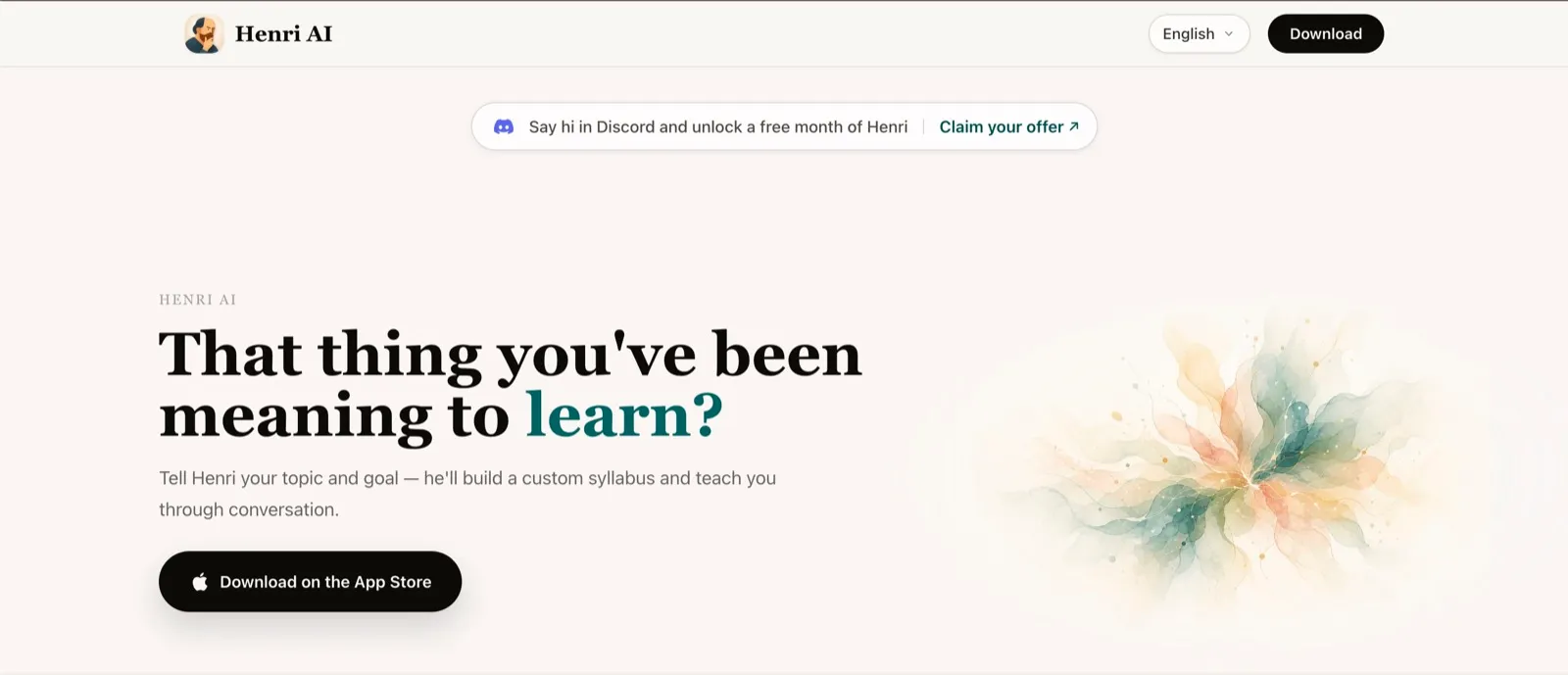
Henri AI begins with your topic and your goal, then builds a learning path around what you want to study. It covers a wide range of subjects, including memory science, philosophy, AI, economics, and public speaking [5].
The lessons feel more like a back-and-forth conversation than a static course. Along the way, Henri AI uses diagrams, concept maps, and other interactive visuals to make hard ideas easier to follow. Each lesson also ends with quizzes and review cards, so you can revisit the main points later [5].
There’s a free plan, but it comes with usage limits. If you want full courses and more access, you’ll need a paid plan [5].
| Detail | Info |
|---|---|
| Subjects covered | Open-ended topics like memory science, cognitive biases, Stoic philosophy, how AI works, economics, and more |
| Lesson format | Conversational AI tutoring, interactive visuals, quizzes, and review cards |
| Free plan | Free with usage limits |
| Paid plans | Single Course: $15.00; Henri Pro: $25.00; Henri Max: $40.00 [5] |
| Platforms | iPhone, Mac, Apple Vision [5] |
2. Duolingo
Best for: Beginners who want to build a daily language habit with short, game-like lessons
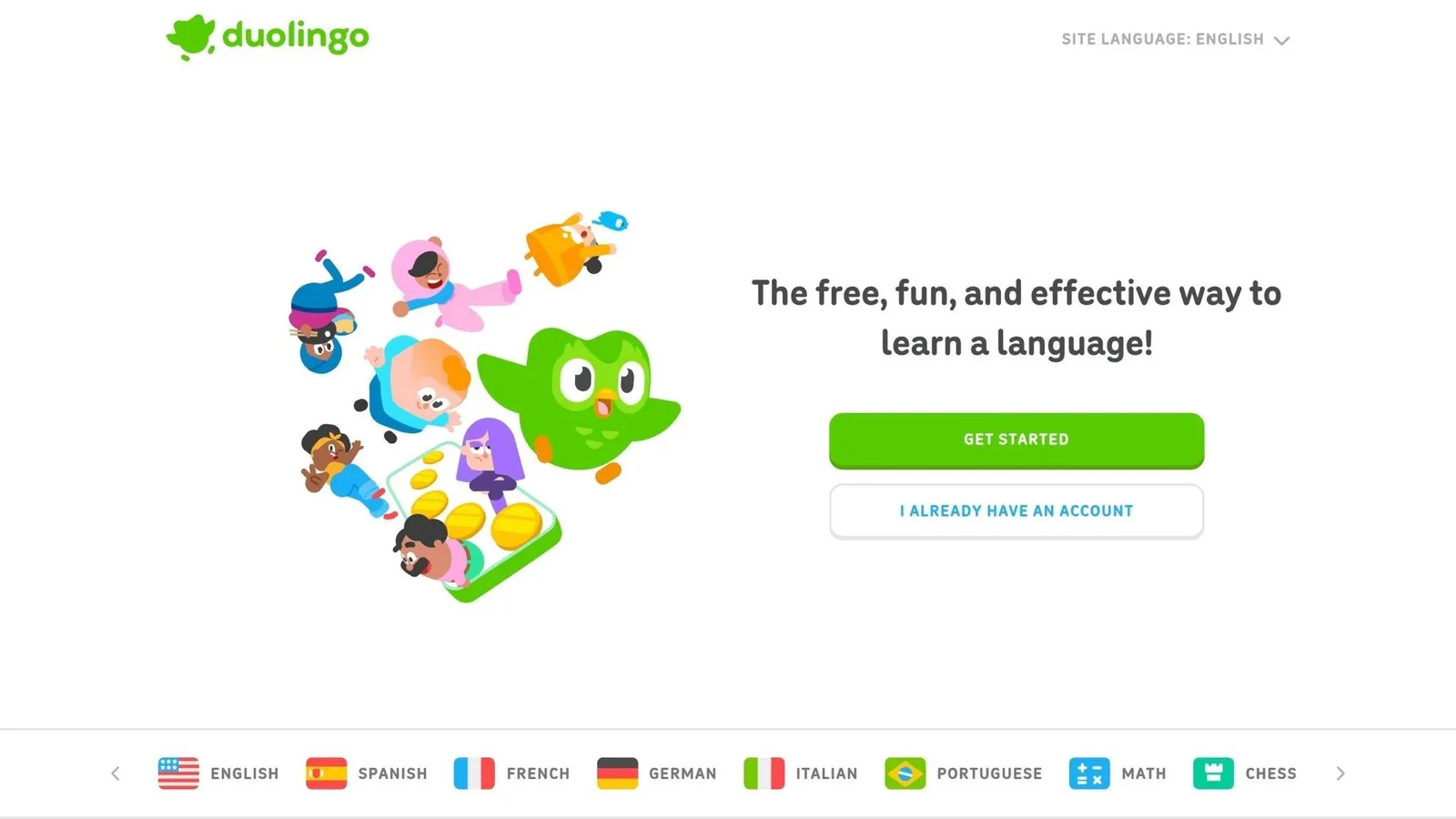
Duolingo offers 40+ languages, including Spanish, French, Japanese, and Korean. It also includes Music, Math, and Chess [6][7][10]. The format leans hard into quick drills: tap the right answer, listen, translate, read, and sometimes speak [6][7][8]. That setup makes it easy to do a lesson or two when you have a few spare minutes.
The app also pushes daily practice with streaks, XP, gems, and leaderboards. On top of that, it adjusts exercises based on your skill level, so the work changes as you progress [6][7][9]. If you like a little momentum and a little pressure, that can help keep you coming back.
The free plan gives you access to all language courses, which is a big plus. The catch is that you’ll see ads between lessons, and Hearts limit you to five mistakes per day [6][10]. Once you run out, you either wait for Hearts to refill or go back and review older lessons. Super Duolingo removes ads and gives you unlimited Hearts [6][10].
Duolingo is best for building basic vocabulary, simple sentence patterns, and travel phrases. It’s less suited for full conversation practice [6].
| Detail | Info |
|---|---|
| Subjects covered | 40+ languages, plus Music, Math, and Chess |
| Lesson format | Gamified drills: translation, listening, reading, speaking |
| Free plan | Free with ads and five hearts per day |
| Paid plan | Super Duolingo (no ads, unlimited hearts) |
| Platforms | iOS, Android, web; limited offline access on free plan |
If you want a different kind of short-form learning, the next app moves from language drills into broader subject study.
3. Khan Academy
Best for: Students, parents, and self-learners who want a completely free way to study academic subjects
If you want a no-cost way to study school subjects, Khan Academy is the top place to start. It covers math, science, economics, history, civics, finance, medicine, and coding. It also includes test prep for the SAT, GMAT, and MCAT. That makes it useful for K–12 students, college learners, and adults brushing up on old material.
The lessons are built around short videos, exercises, quizzes, and practice tests. Khan Academy also uses mastery-based progress, so you move through each topic step by step. As you go, the platform tracks what you know well and where you need more work. Your dashboard pulls that progress into one place, which makes it easy to see how you’re doing across subjects.
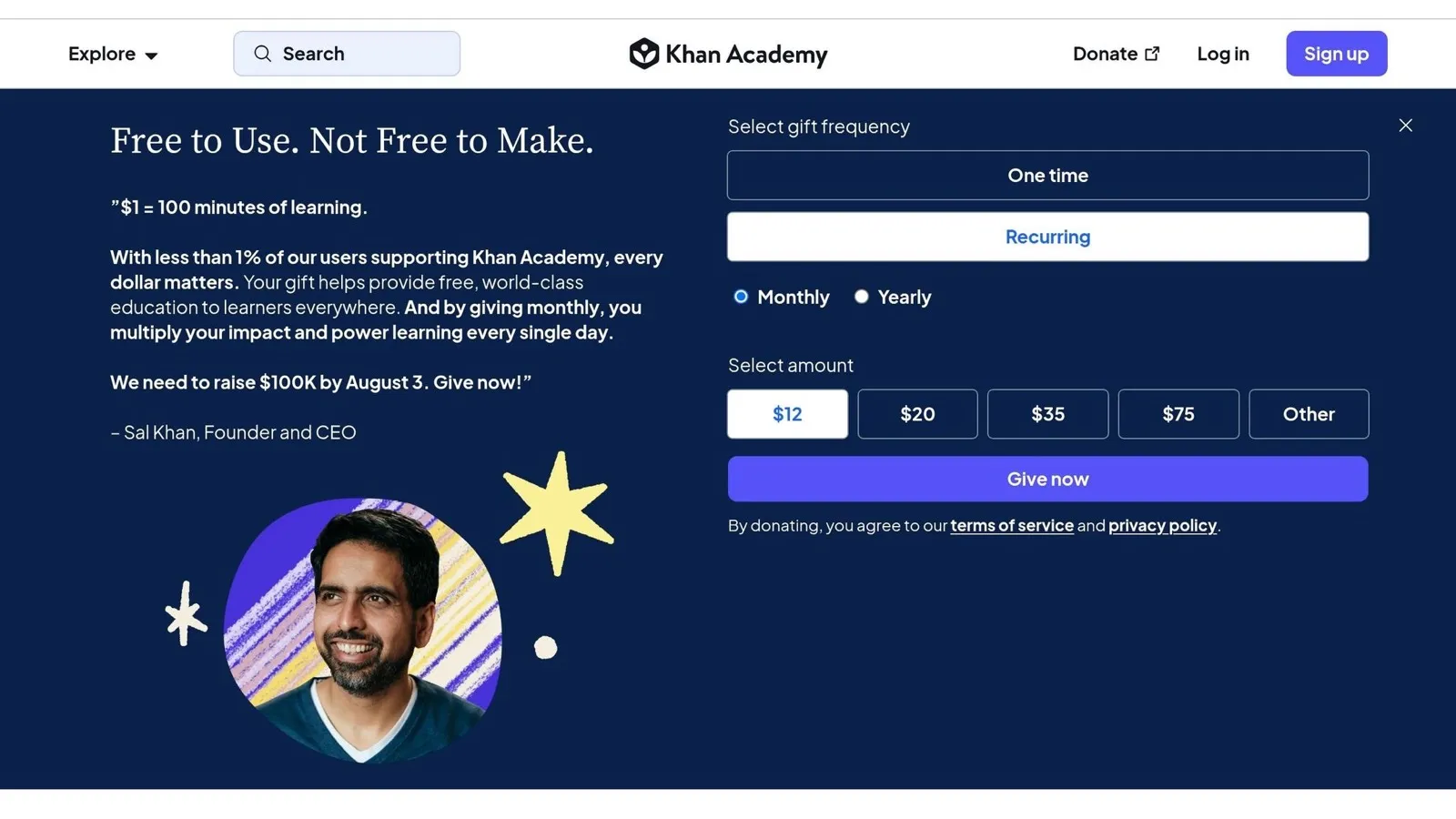
Its biggest selling point is simple: it’s completely free. There are no ads, no subscriptions, and no paywalls. That alone puts it in a different lane from many study apps. There’s also data behind its use. An SRI Education study found that students using Khan Academy for 30 minutes a day scored 25% higher on standardized math tests. [3]
Here’s what the free platform includes.
| Detail | Info |
|---|---|
| Subjects covered | Math, science, economics, history, civics, finance, medicine, and coding |
| Test prep | SAT, GMAT, MCAT |
| Lesson format | Short videos + interactive exercises, quizzes, and practice tests |
| Free plan | 100% free - no paywalls, no ads, no subscriptions |
| Platforms | Web, iOS, Android |
Khan Academy does not offer formal certificates. So it’s best for structured academic practice, not credentialing. If your main goal is learning without spending money, this is the app to try first.
4. Quizlet
Best for: Students and self-learners who want to memorize content fast with flashcards and short study sessions
If videos feel too slow for review, Quizlet gives you a much faster way to study. It turns notes into quick recall drills that are easy to fit into a busy day.
Quizlet breaks dense material into short, testable study bursts. People use it for exam prep, school classes, and professional certifications. The platform has more than 500 million user-generated study sets and about 60 million monthly active users [13].
At its core, Quizlet is built around flashcards. On top of that, it includes Learn mode, Match, practice tests, and Magic Notes. Learn mode uses spaced repetition to bring back terms you miss more often. Match makes review feel more like a fast game than a chore. Practice tests help you get ready for exam-style questions. And Magic Notes can turn notes or PDFs into flashcards on its own. Most study sessions take only 5–20 minutes [1].
The free plan gives you enough to get started. You can create your own sets, use basic AI features, and sync across devices [4][14][12]. Quizlet Plus costs about $35.99/year [13]. Still, the limits on the free plan can show up pretty fast, especially if you study often.
| Feature | Free Plan | Quizlet Plus |
|---|---|---|
| Flashcard Creation | ✅ Included | ✅ Included |
| Learn Mode | ⚠️ Limited / Metered [12] | ✅ Unlimited [12] |
| Spaced Repetition | ⚠️ Capped [12] | ✅ Full Access [12] |
| Answer Explanations | ⚠️ Often Locked [15] | ✅ Fully Unlocked [15] |
| AI Enhancements | ⚠️ Basic Access [14] | ✅ Full Access |
Quizlet works on web browsers, iOS, and Android. It’s a good fit if you want fast flashcard review for classes or exams and don’t mind a capped free Learn mode.
If you want more control over how repetition works, the next app goes deeper into spaced-repetition study.
5. Anki
Best for: Serious learners who want full control over spaced repetition and long-term memorization
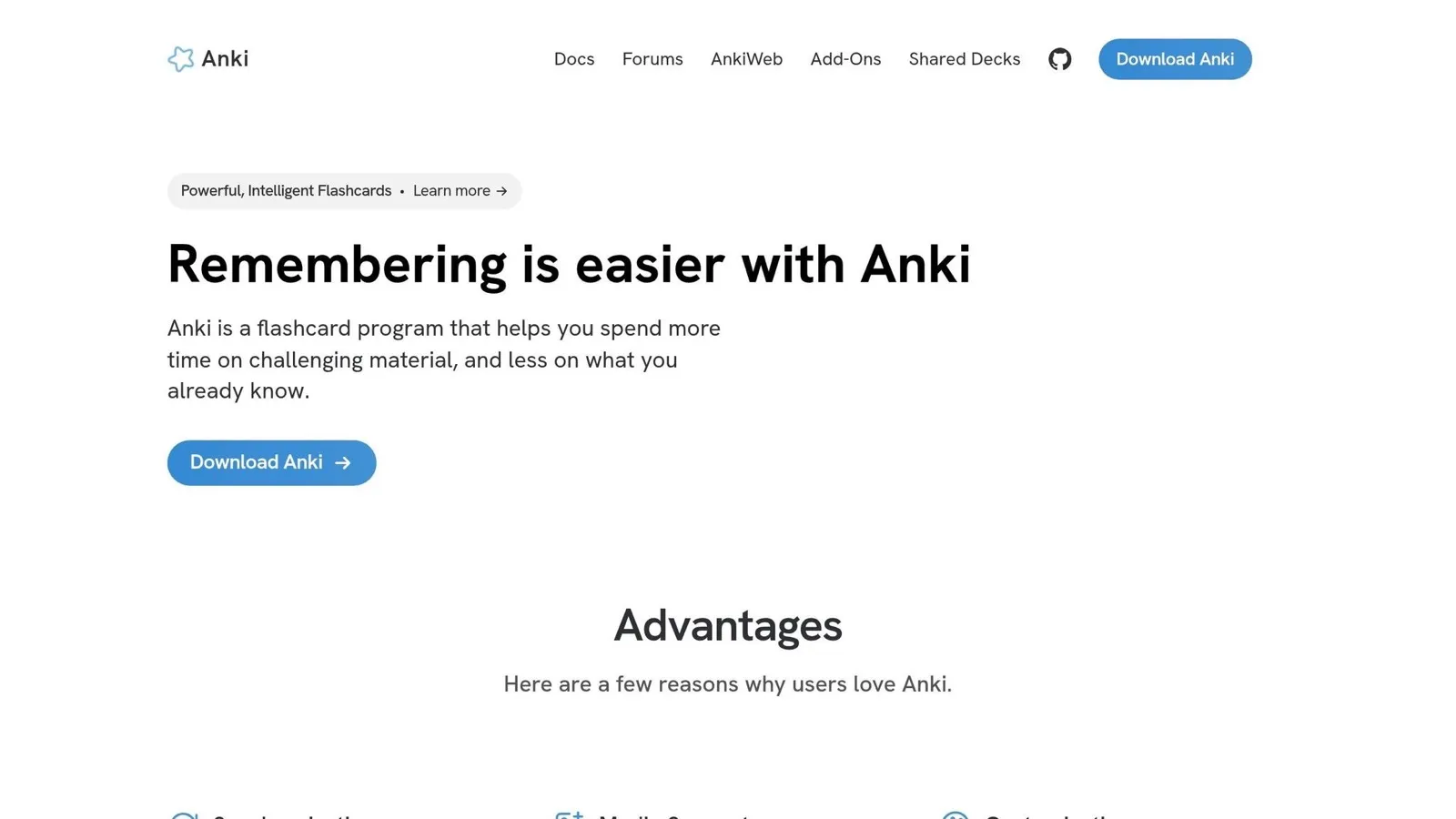
Anki helps turn short study sessions into long-term memory. It’s a strong fit for exam prep, vocabulary, anatomy, STEM, and other fact-heavy subjects. The big draw here is retention over time, not flashy features or fast-paced fun.
You rate each card after reviewing it, and Anki shows it again sooner or later based on how well you remembered it. The interface is plain, but that tradeoff gives you a lot of control. You can build custom card templates, add media, and use free shared decks [4][12].
Desktop on Windows, macOS, and Linux is free. Android and the web version are free too. On iOS, AnkiMobile has a one-time cost of $24.99 [16].
| Platform | Cost |
|---|---|
| Windows, macOS, Linux | Free |
| Android (AnkiDroid) | Free |
| Web (AnkiWeb) | Free |
| iOS (AnkiMobile) | $24.99 one-time |
Anki makes the most sense for people who are in it for the long haul. If you want something simpler for younger learners, the next option is built with kids in mind.
6. Brilliant
Brilliant turns STEM learning into short, guided problem-solving sessions.
Instead of long lectures, it teaches math, science, data analysis, computer science, programming, and AI through visual puzzles and interactive problems. You tweak variables and see what happens in real time, which makes the lessons feel more hands-on and easier to follow [1][18]. The focus is on understanding the ideas behind the work, not just memorizing steps [18].
Brilliant says its curriculum was built with experts from MIT, Harvard, Stanford, Cornell, and Caltech. It also reports more than 10 million learners and 100,000+ five-star reviews [1].
The free plan gives you daily problems and limited intro content [18]. That’s enough to test the format and see if it clicks for you. If you want access to all courses, you’ll need Brilliant Premium [18].
You can use Brilliant on the web, iOS, and Android [18].
| Feature | Details |
|---|---|
| Subjects | Math, science, data analysis, computer science, programming, AI [18] |
| Learning Format | Interactive problem-solving, visual puzzles, guided paths [1][18] |
| Free Plan | Daily problems + limited introductory content [18] |
| Platforms | Web, iOS, Android [18] |
| Best for | Students and professionals building STEM skills [18] |
If you want a similar short-session setup focused on coding, SoloLearn comes next.
7. SoloLearn
SoloLearn teaches coding with short, hands-on lessons that are easy to fit into your day. The app covers 20+ programming languages, including Python, JavaScript, SQL, Java, C#, C++, HTML, and CSS [19]. Lessons are built around quizzes, and the mobile code editor lets you write and run actual code from lesson one [1]. If you want to get started without paying, the free plan gives you enough to begin coding right away.
With the free plan, you get access to the core lessons, the mobile code editor, and community features like code sharing and coding battles with other learners [19]. Pro removes ads and adds deeper practice plus real-world projects, and it comes with a 14-day free trial [19]. Pricing is about $1.50 per week when billed annually [19].
| Feature | Free Plan | Pro Plan (~$1.50/week) |
|---|---|---|
| Lessons | Bite-sized, quiz-based core lessons | Deeper in-lesson practice |
| Projects | Not included | Real-world projects |
| Code Editor | Mobile editor included | Included |
| Community | Code sharing and coding battles | Included |
| Ads | Ad-supported | Ad-free |
| Trial | - | 14-day free trial |
| Platforms | iOS, Android | iOS, Android |
| Best for | Beginners building a daily coding habit | Learners who want real-world projects |
Next comes a side-by-side comparison to help you choose faster.
Free Microlearning Apps Side-by-Side Comparison
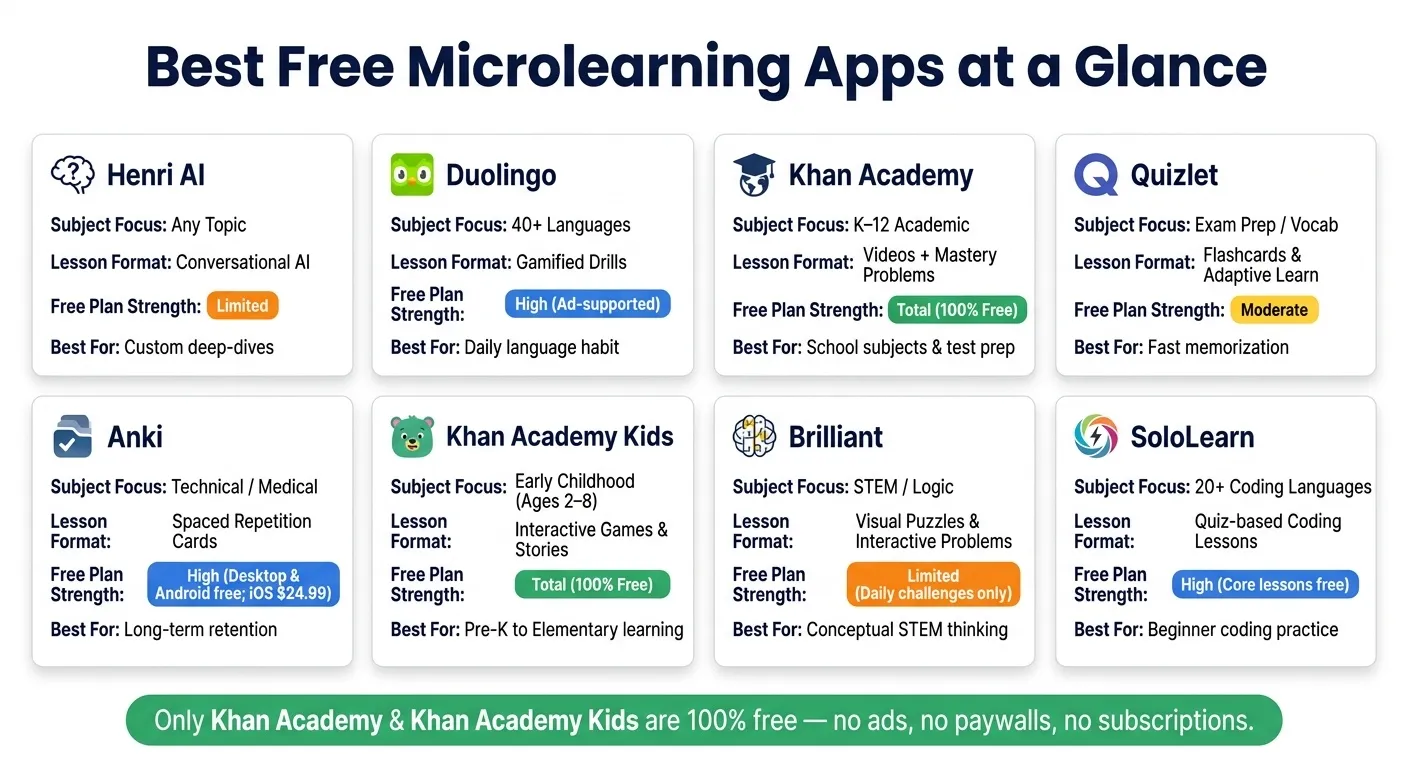
Use the table below to compare the apps at a glance.
| App | Subject Focus | Lesson Format | Ideal Use Case | Platforms | Free-Plan Strength |
|---|---|---|---|---|---|
| Henri AI | Any topic | Conversational AI lessons and custom learning paths | Personalized deep-dives on any topic | iOS, macOS | Limited (Free to start) |
| Duolingo | Languages | Gamified Drills & Streaks | Daily habit building / Fluency | Web, iOS, Android | High (Ad-supported) |
| Khan Academy | K–12 / Academic | Video Lectures & Mastery Problems | School support / STEM | Web, iOS, Android | Total (100% Free) |
| Quizlet | Exam Prep / Vocab | Flashcards & Adaptive Learn Mode | Memorization / Test prep | Web, iOS, Android | Moderate (Free basic version) |
| Anki | Technical / Medical | Spaced Repetition Flashcards | Long-term retention | Windows, macOS, Linux, Android; iPhone app paid | High (Free on desktop/Android; iPhone app paid) |
| Khan Academy Kids | Early Childhood | Interactive Games & Stories | Pre-K / Elementary learning | iOS, Android | Total (100% Free) |
| Brilliant | STEM / Logic | Visual Puzzles & Interactive Graphs | Conceptual intuition building | Web, iOS, Android | Limited (Daily challenges only) |
| SoloLearn | Coding | In-app Coding & Hands-on Practice | Coding practice | Web, iOS, Android | High (Core lessons free) |
Frequently asked questions
Which app should I start with first?
It depends on your learning goal - there isn't one best pick for everyone. For a custom syllabus built through conversation: Henri For language fluency and real-world conversation: Hello Nabu For academic subjects or exam prep: Quizlet For short daily lessons on life skills: SmartyMe
Are any of these apps truly 100% free?
It comes down to the app’s business model. A lot of popular tools aren’t fully free. They use a freemium setup instead. Khan Academy and MIT OpenCourseWare are rare cases. They offer full access at no cost. Most microlearning apps work a bit differently. Apps like Duolingo, Quizlet, and Henri give you a free tier, but there’s usually a catch: ads, usage limits, or advanced features kept behind a paywall.
Which app is best for 10-minute study sessions?
Several apps fit 10-minute study sessions well. Mr Kai stands out for students. It offers personalized daily quizzes that take 5 to 10 minutes, which makes it easy to stay consistent. It also uses spaced repetition, so you're not just reviewing for the sake of it - you’re giving yourself a better shot at remembering what you studied. Other solid picks include Scrivium for philosophy, history, and personal growth, and Flashia for vocabulary building. With both, 10 to 15 minutes a day can lead to steady progress.